
Description
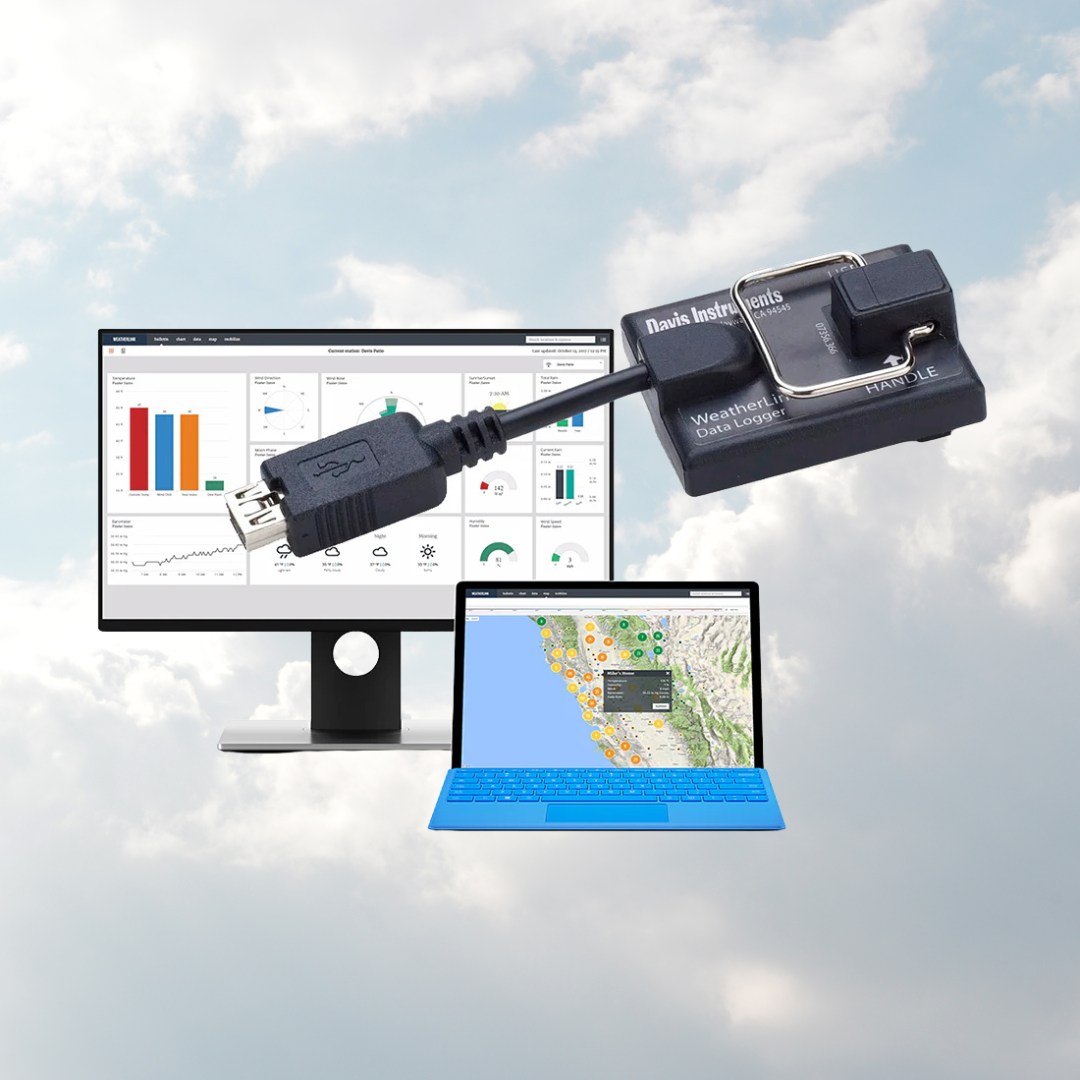
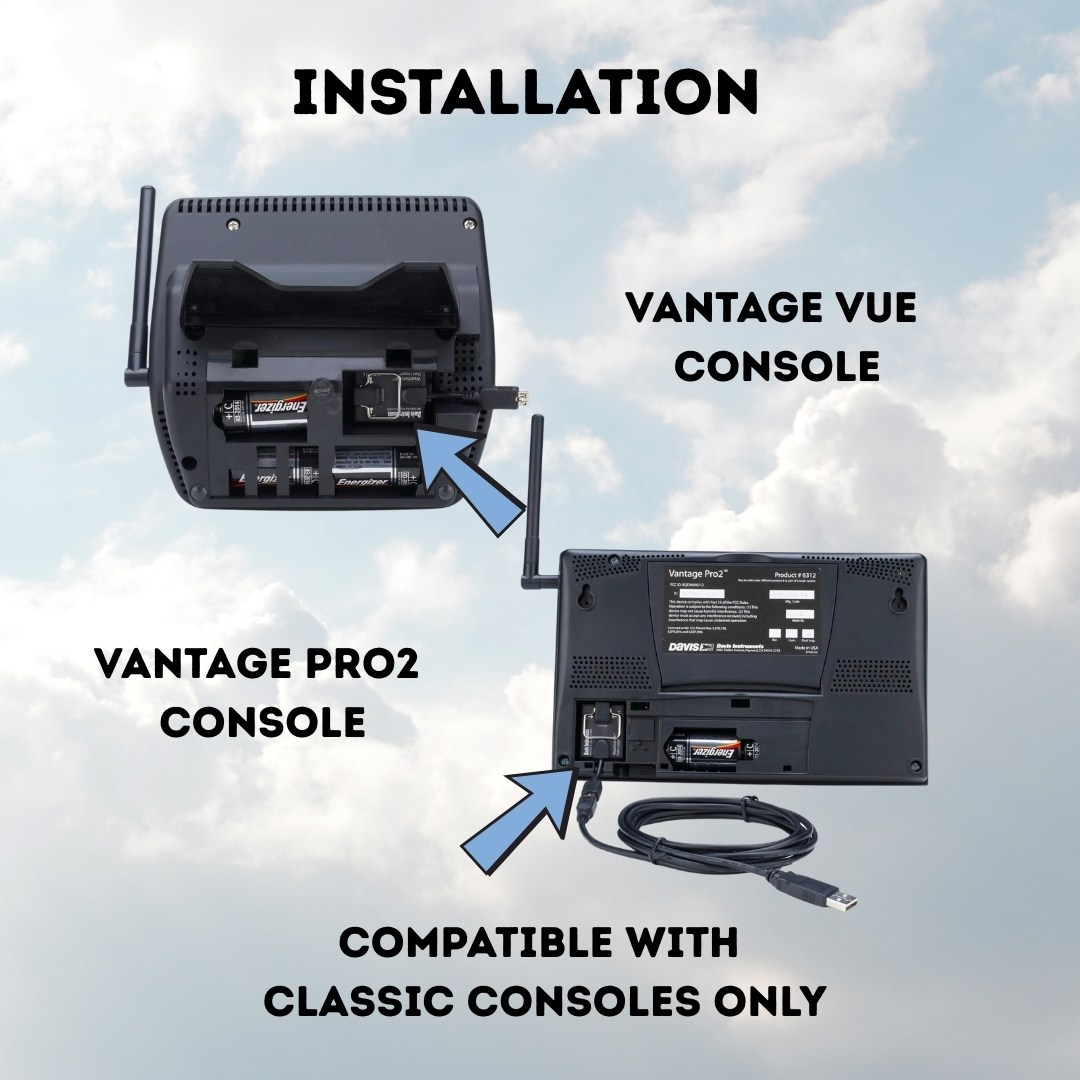
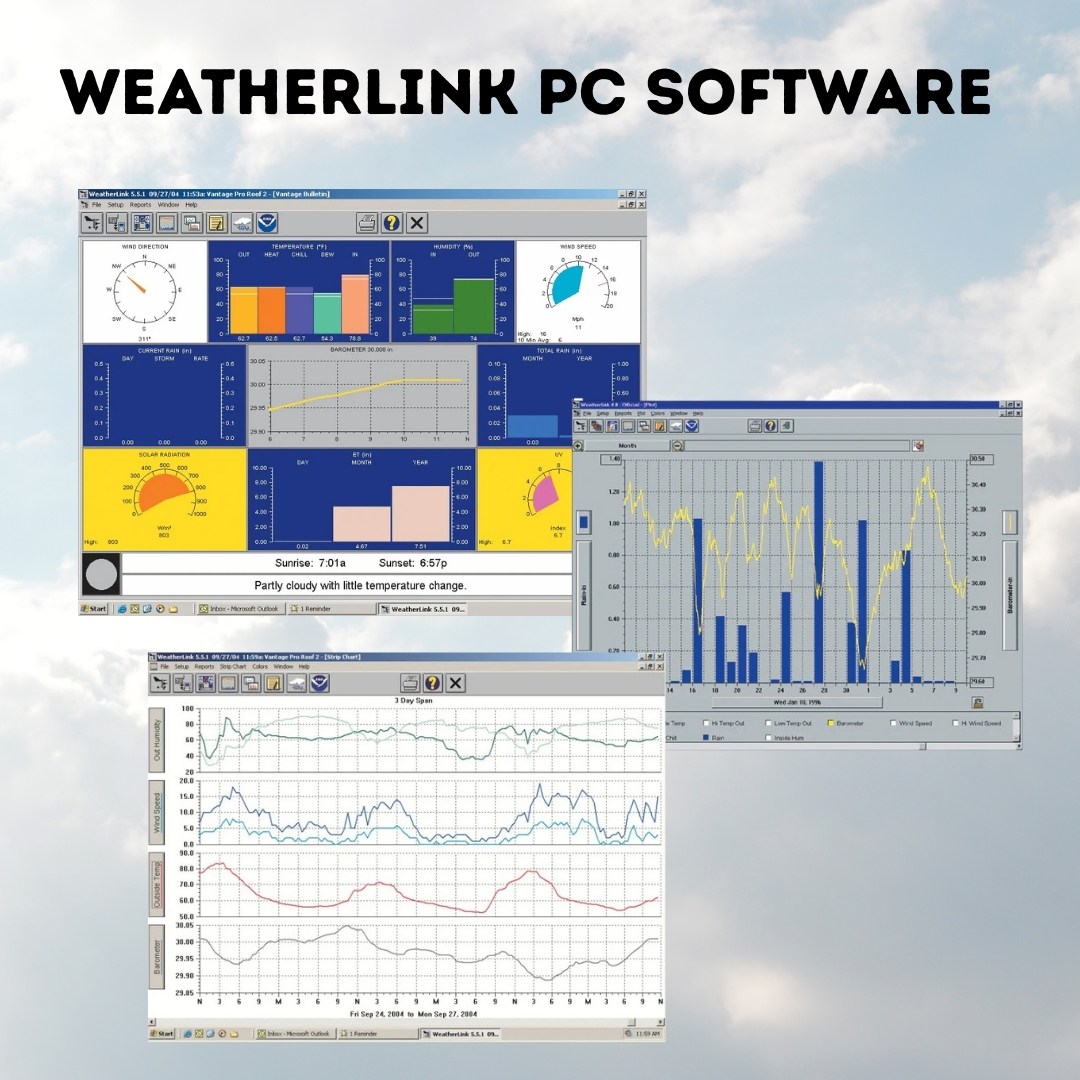
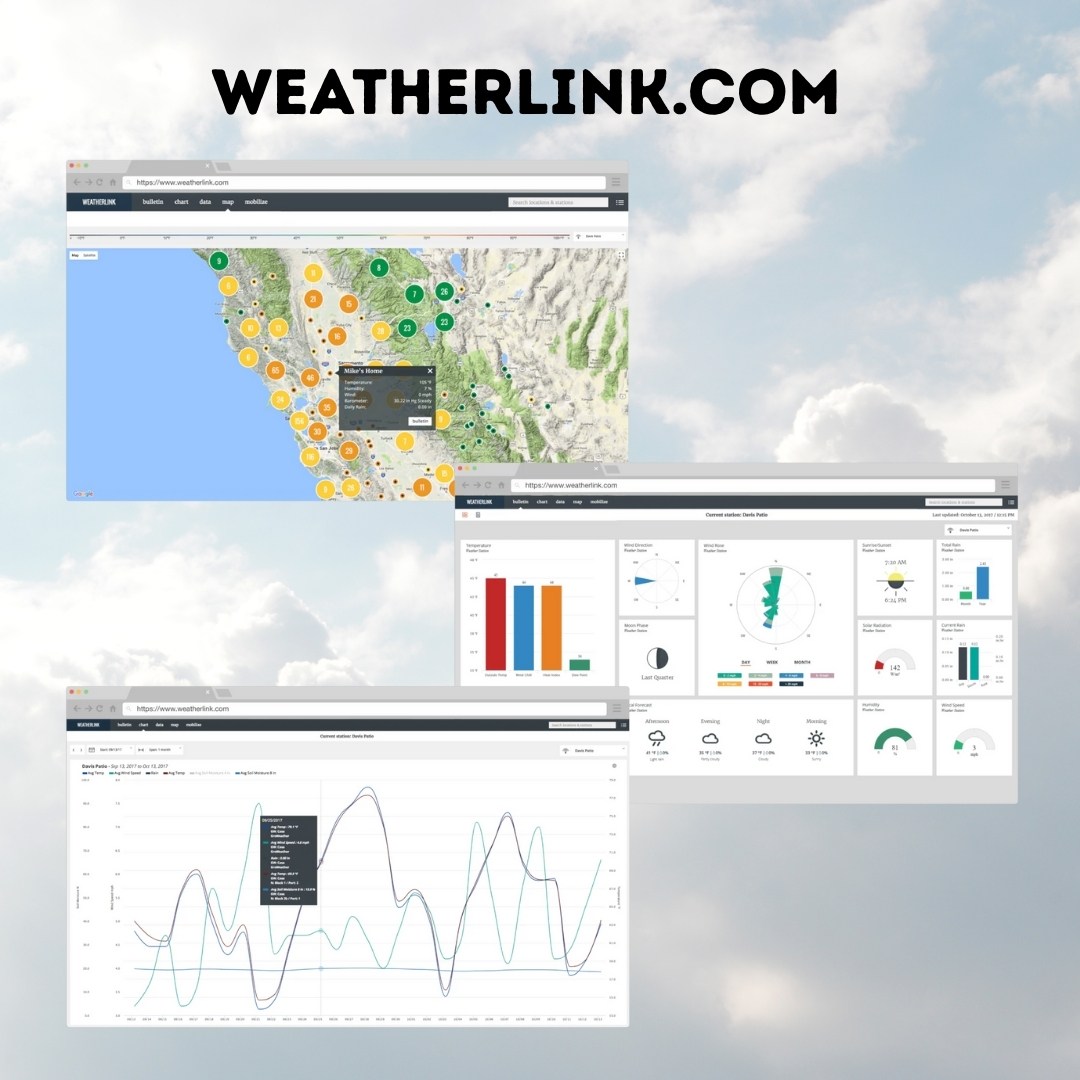
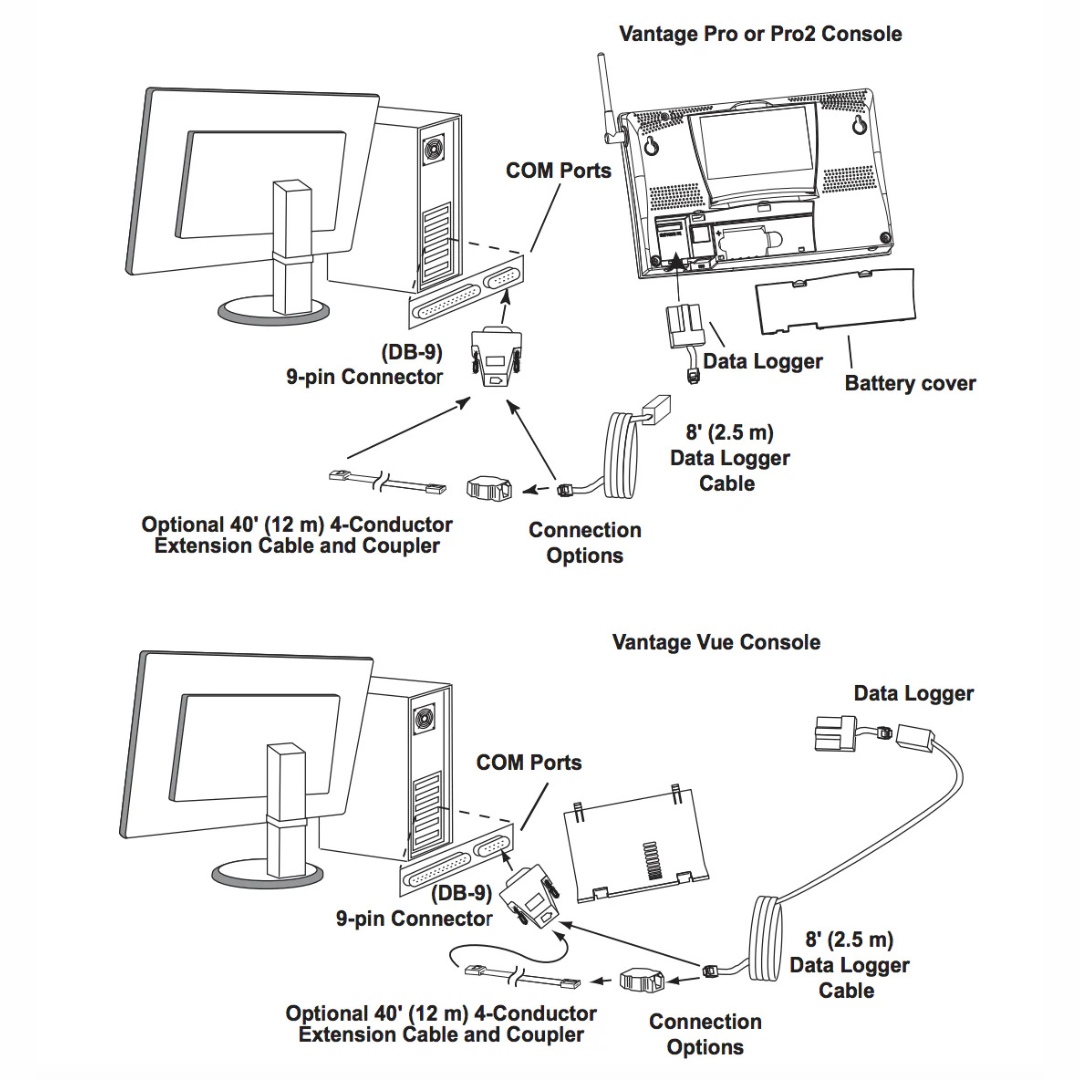
The Davis WeatherLink USB Data Logger fits neatly into the weather station console or Weather Envoy, storing weather data even when not connected to your PC, or Davis’ classic Vantage Vue or Vantage Pro2 consoles. Davis’s free WeatherLink software lets you see current conditions at a glance on the instant weather bulletin, create reports, and track weather conditions over time. You can also connect to Davis’ modern WeatherLink Cloud platform.
Note that with Davis’ dongles, the computer to which it is connected must remain powered on and online continuously for live data to appear on the WeatherLink.com site. This is not necessary with WeatherLink Live or the WeatherLink Console, which can both receive sensor data and transmit it as long as there is an active internet connection available.
When not connected, the Davis WeatherLink USB Data Logger can store archived data for later transmission to your computer or the WeatherLink cloud service. The amount of data storage depends on the interval you select:
- 1 Minute Archive Interval: 42 hours
- 5 Minute Archive Interval: 8 days
- 10 Minute Archive Interval:17 days
- 15 Minute Archive Interval: 26 days
- 30 Minute Archive Interval 53 days
- 60 Minute Archive Interval: 106 days
We recommend a minimum archive interval of five minutes when using Davis dongles to prevent accidental data overwrite. Alternatively, an unconnected dongle could be placed inside a remote console with a longer reporting interval (15+ minutes), then connected to a computer for periodic download.
FAQ
[rank_math_rich_snippet id=”s-6d1dbf79-3831-4274-ba8b-f1279c90233c”]

