
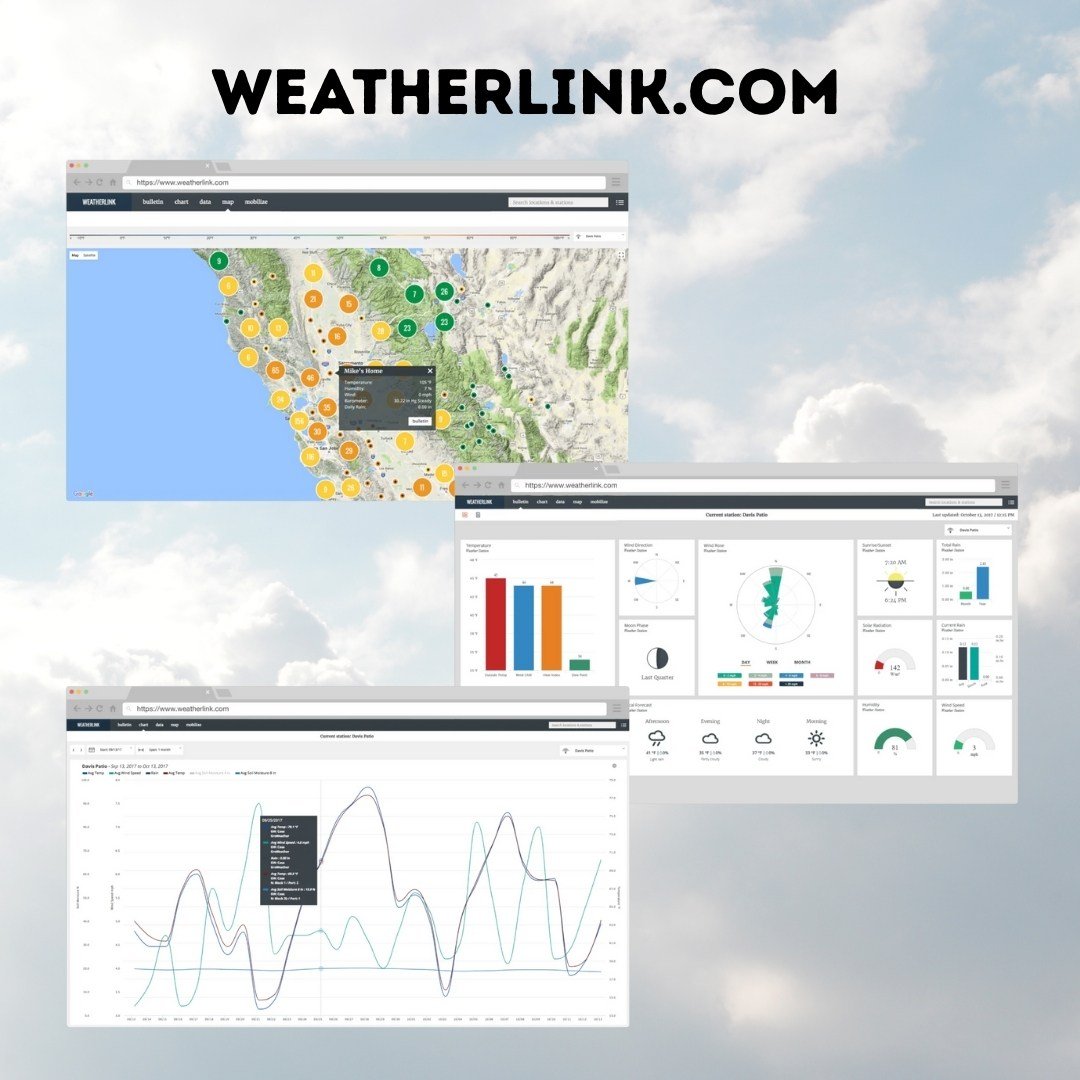
Description
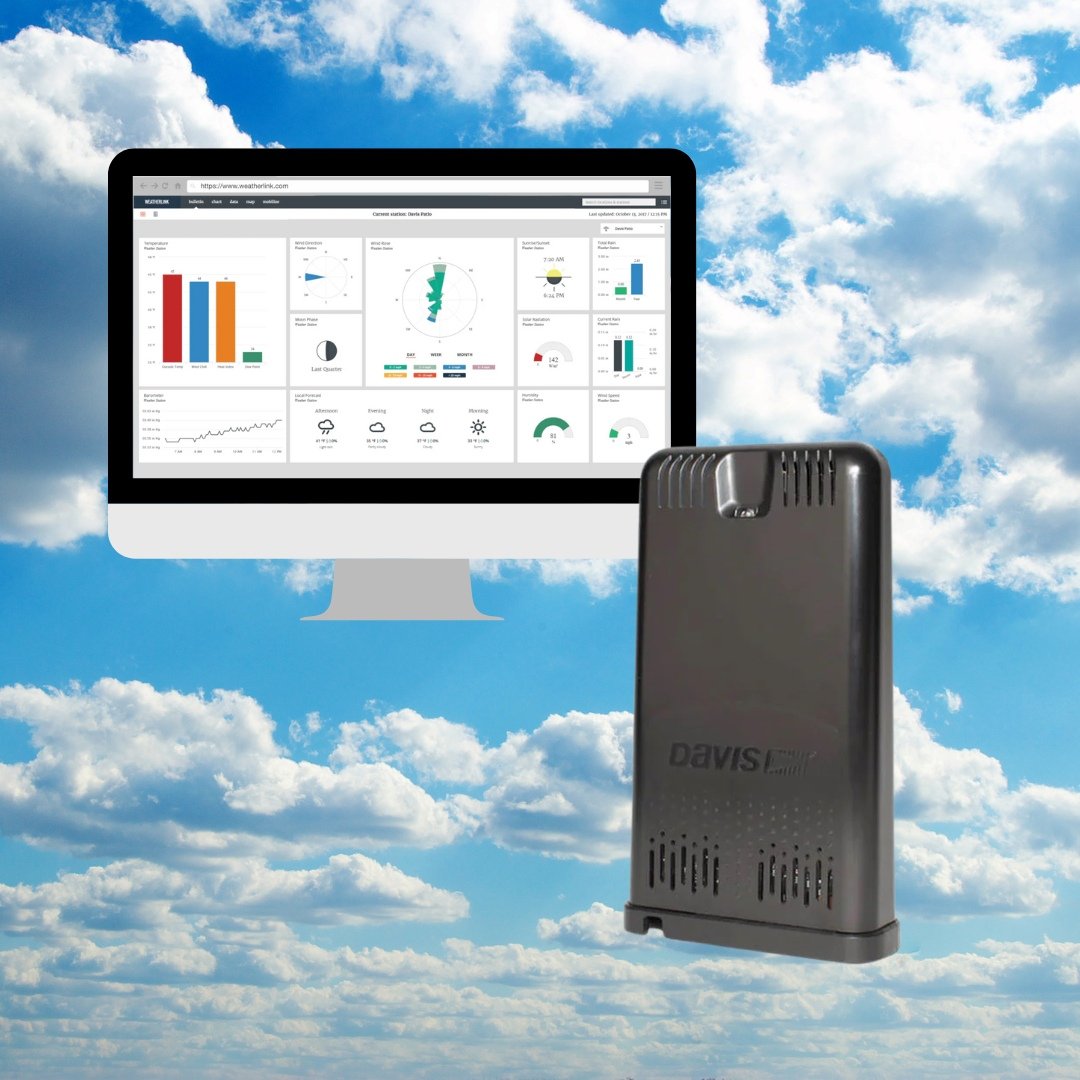
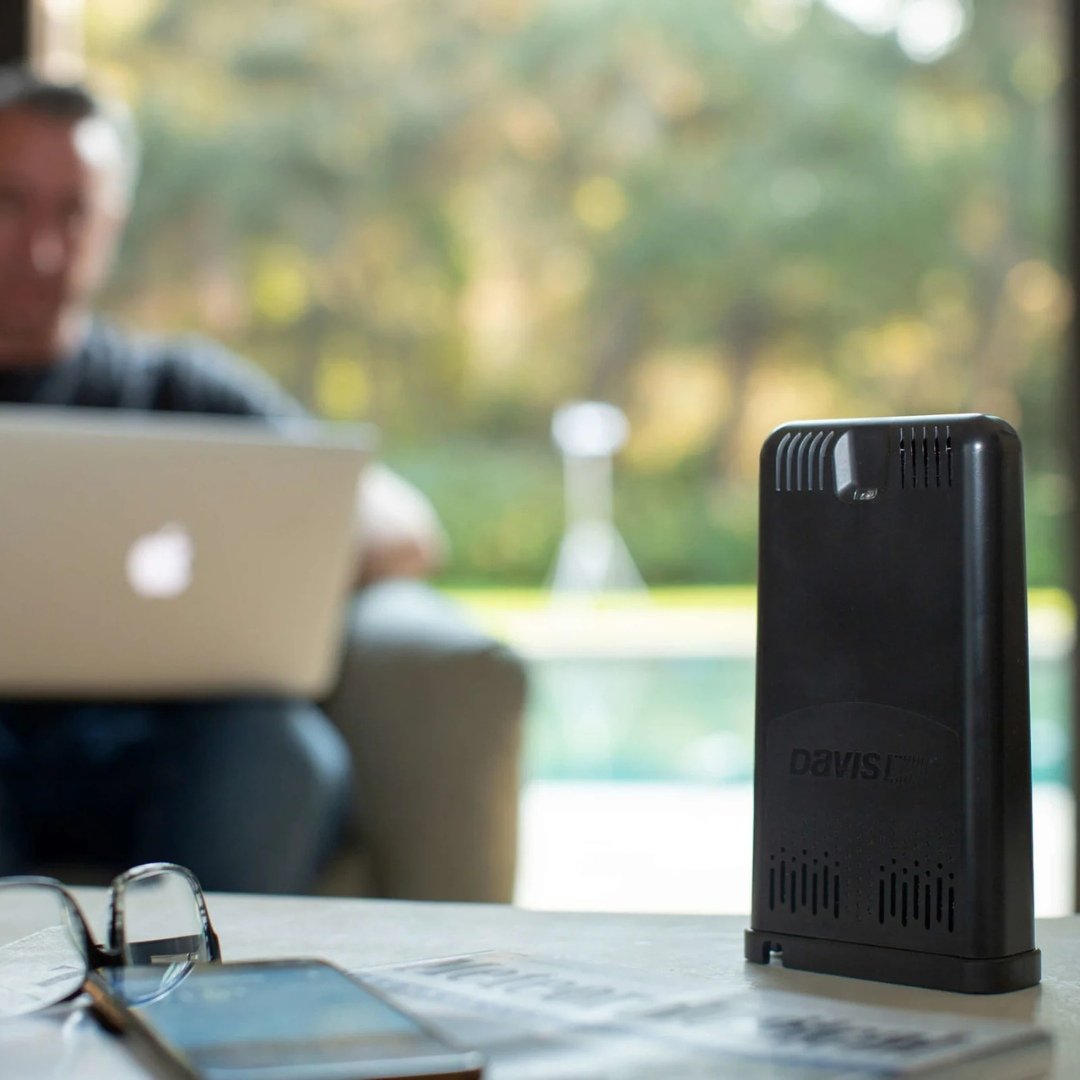
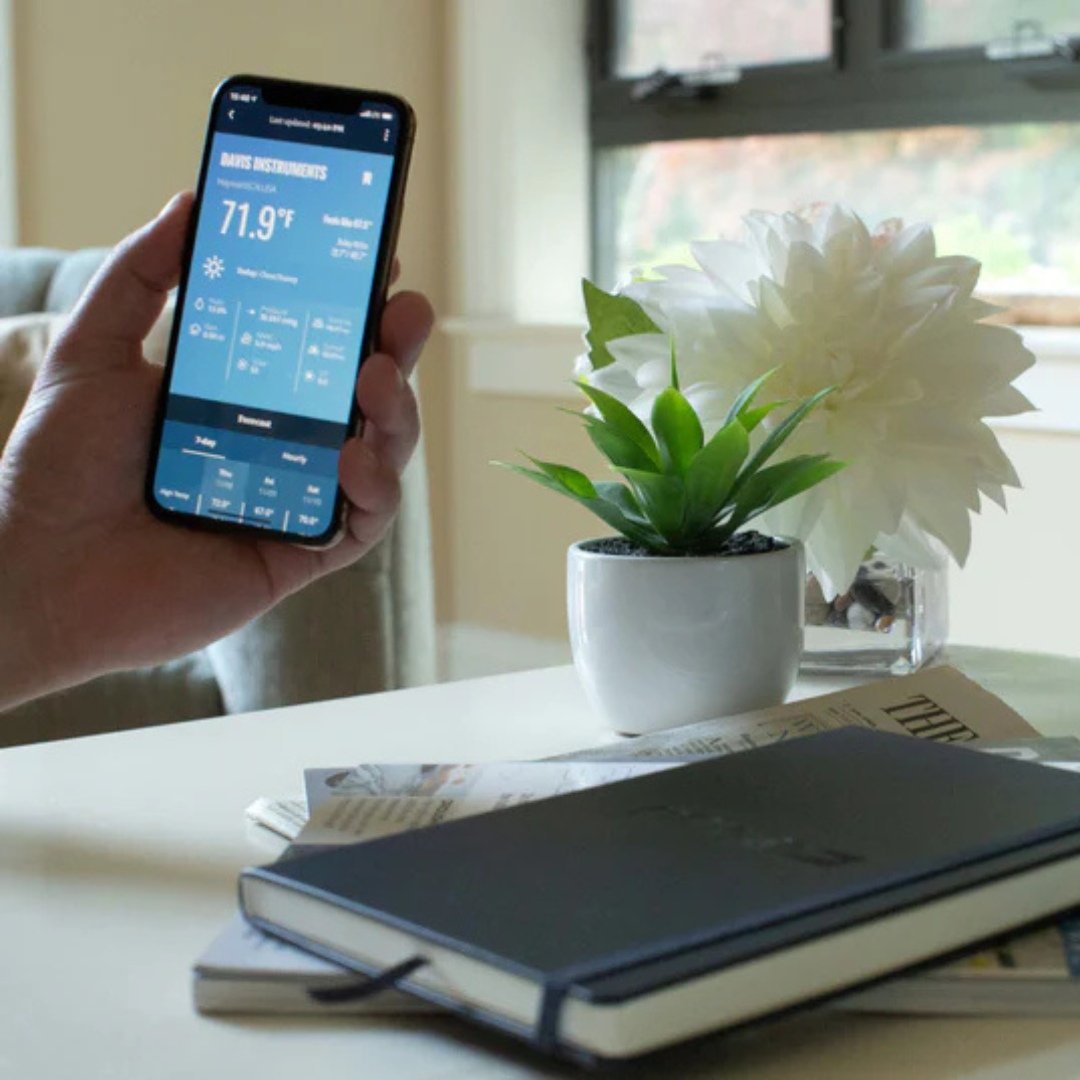
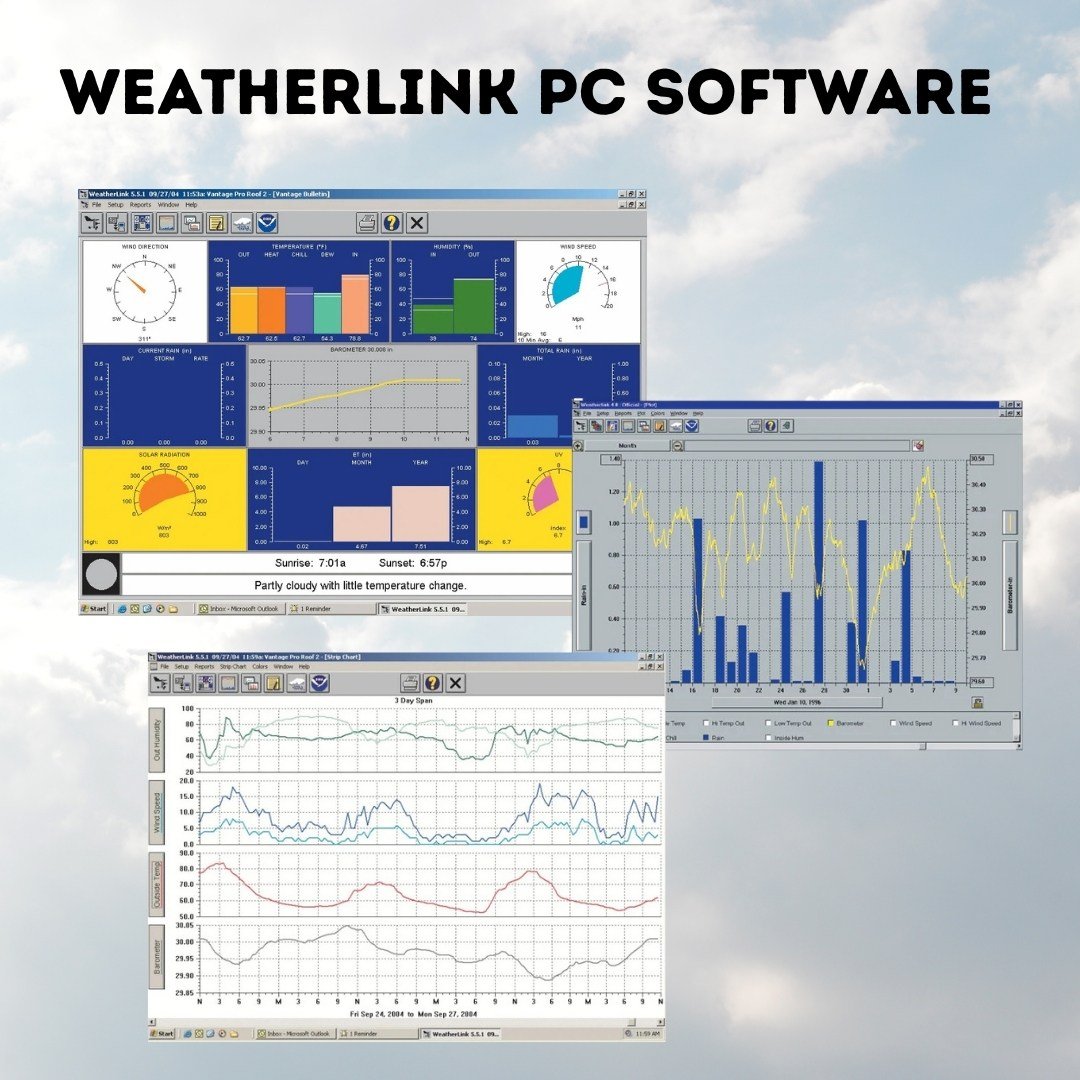
A modern alternative to the traditional WeatherLink dongle or for those looking for an alternative to a console, Davis WeatherLink Live stores weather data even when it’s not connected to a computer, making it available through the Davis WeatherLink mobile app.
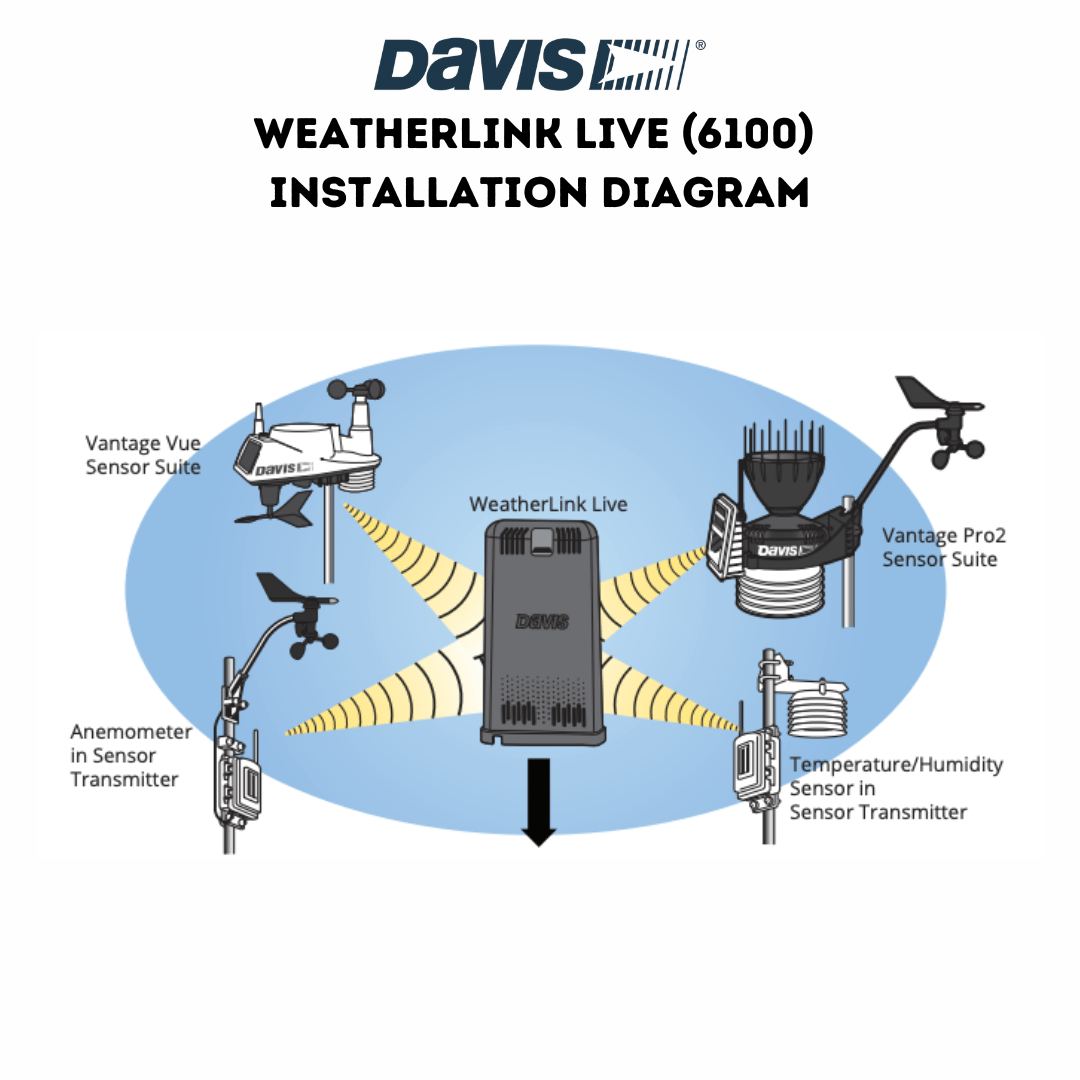
Eight sensor suites or transmitting stations can be connected in any order, and over 80 sensors in total to a single WeatherLink Live. This makes WeatherLink Live a better choice for complex setups than the “dongle”-based options of the past, which also required the classic Davis console. Place sensors within 1000′ line of sight to the WeatherLink Live for best results.
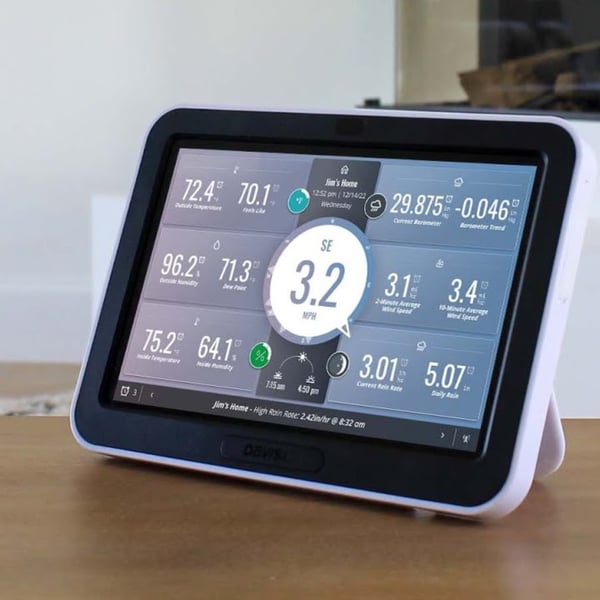
While WeatherLink Live works well for most applications, we strongly recommend opting for the WeatherLink Console instead for more functionality.
Read our review of the WeatherLink Live from The Weather Station Experts.
Features:
- Up to 180 days of data storage
- Battery backup to prevent data loss and corruption
- Wi-Fi or Ethernet connectivity
- No console or WeatherLink paid plan required to use
- Includes barometer, inside temperature/humidity sensor, AC-adapter and power cable, and optional Ethernet cable.
FAQ
How does WeatherLink Live differ from previous WeatherLink devices?
In the past, WeatherLink devices had to be connected to the console, and then to the router via cable. WeatherLink Live connects directly to your ISS using 900 mHz, and to the Internet via Wi-Fi (although you can opt to connect it via Ethernet cable).
How do I install WeatherLink Live?
You will need a WiFi or router Ethernet connection, a smartphone, and 4 AA batteries. The first thing to do is to install the WeatherLink app on your phone. Next, unpack the WeatherLink Live and the power cable, insert the batteries in the bottom for backup power, and plug it in. Wait until the blue light on the top of the device starts to blink, then in the app follow the prompts to install a new device. When the WeatherLink Live is properly installed, the blue light will stop flashing and stay lit.
How often does the WeatherLink Live update data?
Data updates to WeatherLink.com at least once a minute. However, when you're on the same wireless network as the WeatherLink Live, the app receives station data in real-time (as little as every 2.5 seconds, depending on sensor).
Reviews
There are no reviews yet.